

Style Guide
A visual style guide demonstrating the theme's typography, margins, lists, blockquotes, tables, and media formatting.

Welcome to the Style Guide. This page is designed to showcase all the typographic styles, formatting elements, and layout patterns available within the theme. It serves as a visual playground for testing the theme's design system, margins, line heights, and typography pairing.
Typography & Headings
Good typography is silent; it is the skeleton that supports the architecture of words. The theme has been built with an elegant, responsive typographic scale that adapts seamlessly across all devices.
Heading Level One (H1)
This is a standard paragraph following an H1 heading. It displays the primary paragraph typography including size, line-height, margin, and weight configuration.
Heading Level Two (H2)
This is a standard paragraph following an H2 heading. Notice the spacing above and below headings to ensure high legibility and breathing room.
Heading Level Three (H3)
This is a standard paragraph following an H3 heading. H3 headings are typically used to split sub-sections of a long essay or article.
Heading Level Four (H4)
This is a standard paragraph following an H4 heading. Typically used for secondary elements or sidebar widgets.
In-line Elements
You can use standard inline HTML markup to emphasize text. For example, you can write bold text to draw attention, italicized text for subtle emphasis, or underlined text. Links should be styled clearly, like this sample hyperlink which has hover transition styles. You can also include inline code blocks for technical reference or highlight key terms with marker highlight.
Blockquotes & Pull Quotes
Blockquotes are used to highlight secondary quotes or block-level references from other sources:
"The journey of a thousand miles begins with a single step. Travel is not just about seeing new places; it is about changing the lens through which we view the world."
— Immersive Travel Chronicles
You can also use pull-quotes inside articles to create high-impact editorial callouts that break up text blocks.
Lists
The theme supports both ordered and unordered list layouts with correct spacing and list-style markers.
Unordered List
- Immersive storytelling and cinematic design details.
- Light, dark, and auto system appearance modes.
- Custom layouts for headers, post feeds, and footers.
- Dynamic navigation building and member sign-in widgets.
Ordered List
- Go to Settings → Design in your Ghost Admin panel.
- Choose your preferred font pairing and layout settings.
- Configure your social links under the custom parameters.
- Enjoy your beautiful new publication.
Rich Media & Image Layouts
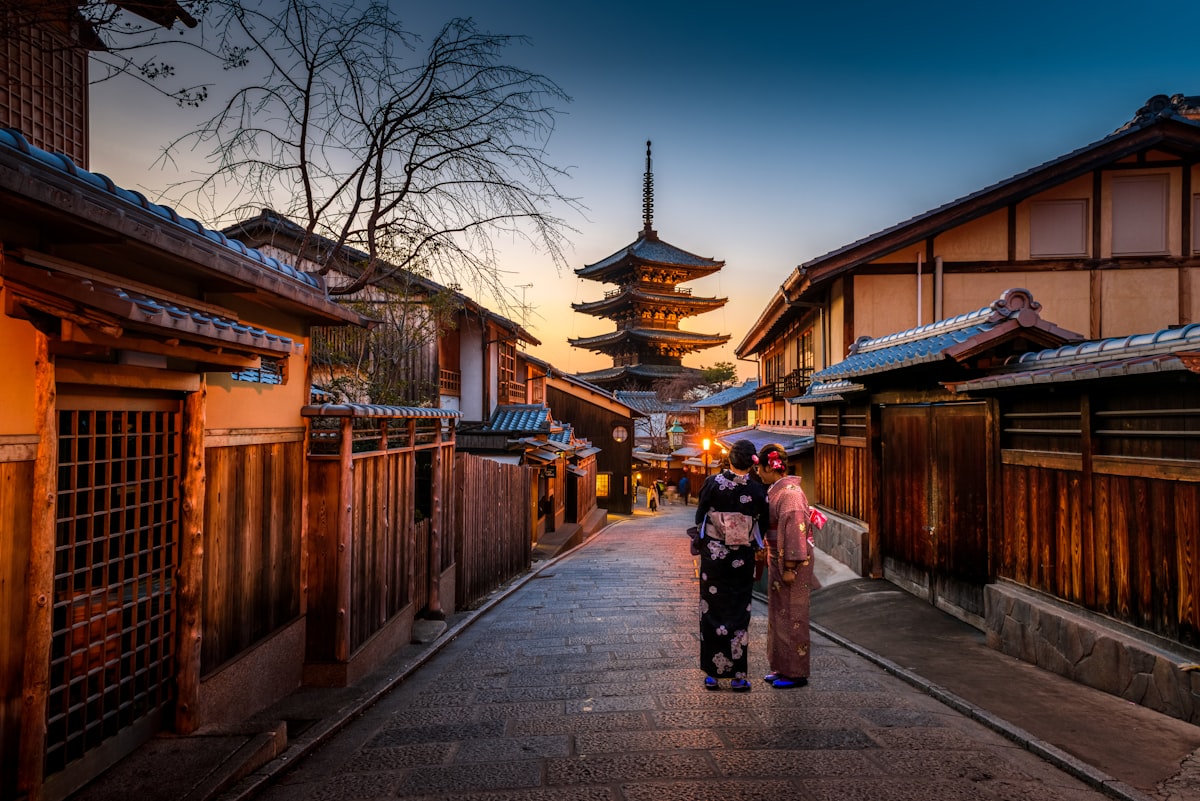
Images support custom alignments and widths (wide, full-bleed, standard) and include caption styling.
Tables
Tables are styled with clean borders, responsive overflows, and subtle alternating row backgrounds.
| Layout Style | Key Features | Ideal For |
|---|---|---|
| Classic Feed | Grid posts with a sticky widgets sidebar | Magazines and heavy editorial content |
| Minimal Grid | Clean 3-column post layout without sidebar | Photography and visual portfolios |
| Modern List | Full-width text rows with clean thumbnails | Personal blogs and newsletters |
Code Blocks
Fenced code blocks are styled with a dark background, horizontal scrollbars, and monospace typography.
// Dynamic header/footer heading check
var isHeading = (slug && slug.indexOf('heading') !== -1) || (url && url.indexOf('heading') !== -1);
if (isHeading && colIdx < cols.length - 1) {
  colIdx++;
  // initialize new column...
}